


Skin tools
Everything here runs in your browser. No account, no upload, no watermark.
Skin editorDraw a Minecraft skin pixel by pixel, or open one you already have and change it. Brush, fill, eraser and colour picker, mirrored strokes for symmetric parts, a colour wheel, undo, and a 3D model that updates as you paint. Nothing is uploaded - the file is read in your browser and downloaded from it.Open skin editor →
Skin grabberType a Minecraft username and get the skin that account is wearing - the real 64x64 PNG, not a screenshot of it. Shown on the model and as the flat file, with the arm width read off the texture, ready to download or open straight in the editor.Open skin grabber →
Head grabberType a Minecraft username and get the player head - the 3D head and the flat face to download, and the /give command that spawns it, written for your Minecraft version from 1.8 to the latest. Plus the account UUID in every shape a config asks for. Java only, nothing uploaded.Open head grabber →
Cape makerDesign a Minecraft cape on the 64x32 sheet with every region marked, and watch it hang on the model as you paint. The same file is your elytra, so the wings are here too - switch the preview and see them.Open cape maker →
Cape checkerType a Minecraft username and see every cape that account wears - the official Mojang cape plus OptiFine, MinecraftCapes, LabyMod, TLauncher, 5zig, SkinMC and Cloaks+, all in one pass. Each one hangs on the player's own skin in 3D, flips onto elytra wings, and downloads as the exact PNG, with the UUID in every shape. Java only, nothing uploaded.Open cape checker →
Wear a capeLoad your skin by username or PNG, add any cape - from another player or a file - and see them together on a live 3D model. Flip to the elytra view, turn it any way, and save a snapshot. Java only, nothing uploaded.Open wear a cape →
Avatar makerTurn a skin into a profile picture. Face, bust, full body or a 3D render, on a transparent, solid or gradient background, cropped round if you want it round, at any size from 64 to 1024 - and every flat crop stays pixel-sharp.Open avatar maker →
Minecraft serversThe most popular Minecraft servers with live player counts, pinged straight from your browser - names, IPs to copy and the message of the day. Paste any server address to check whether it is online and how many are playing right now. Java Edition.Browse servers →
Popular this week
Browse all →
Browse all skins →
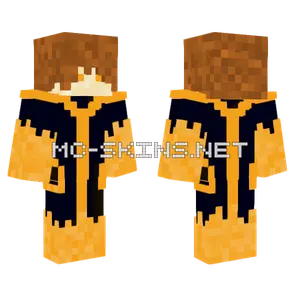 Elite222222 Sauron
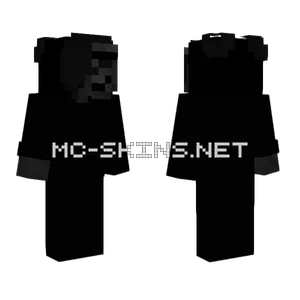 Black By Kapkan
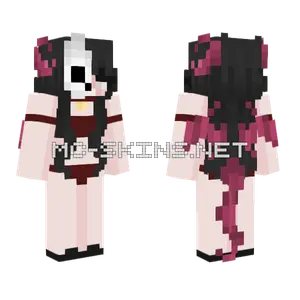 La Diabla Michi1294
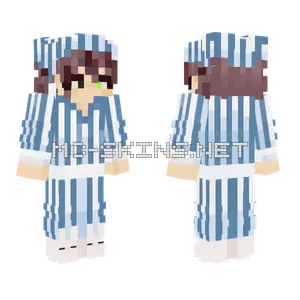 Dr Shepard Normal PJs
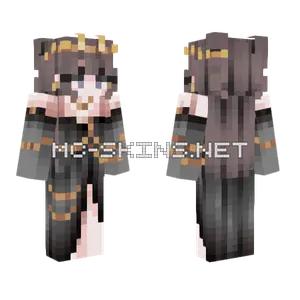 Alyx Fancy Dress
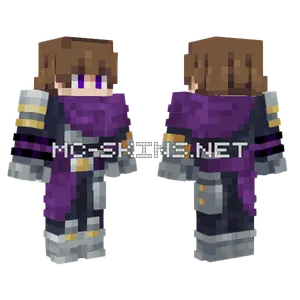 Brody Ourple
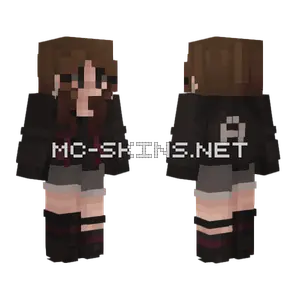 Audrey New OC
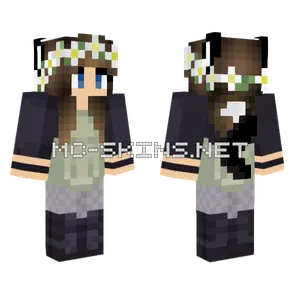 Paige Green Dress White Flower
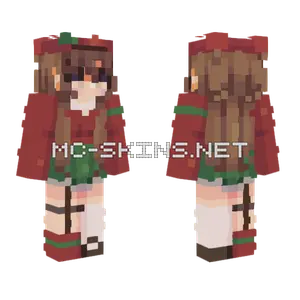 Cozy Days 3 Persona
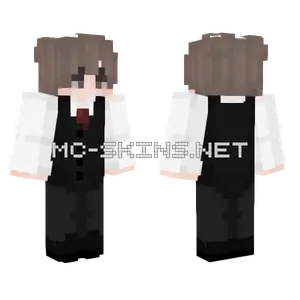 Tuxedo Skin
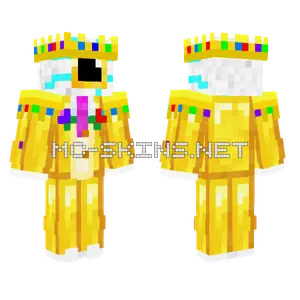 Divine Eggchan King in Yellow
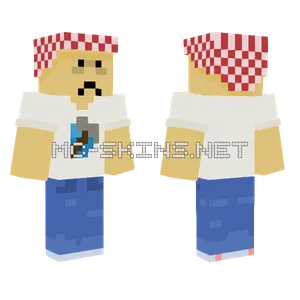 Northboundededge Boy
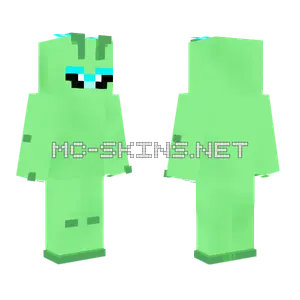 Gleep Gleep Alien
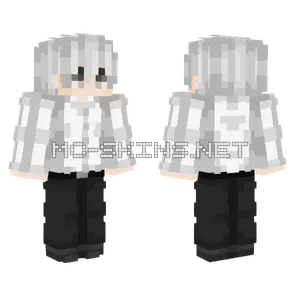 Ken Kaneki
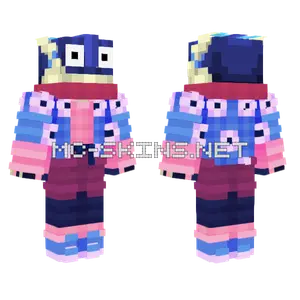 Greninja Sapphire Champions
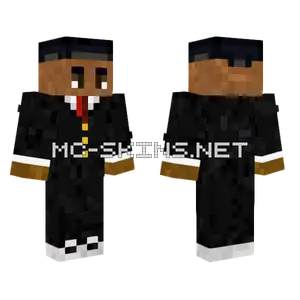 Fancy Black Suit
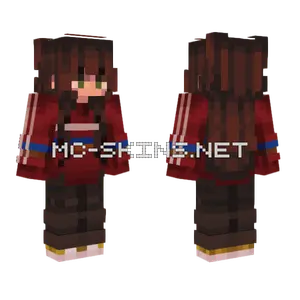 Brown Haired Girl
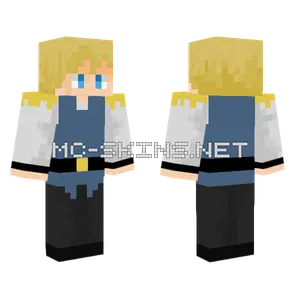 Arthur
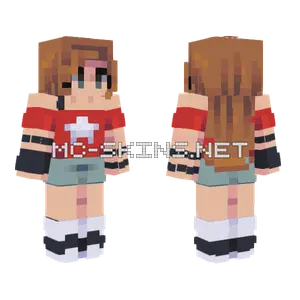 Everrain Sfa 9
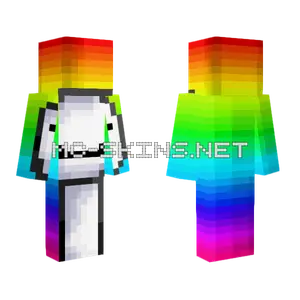 Rainbow HD Dream
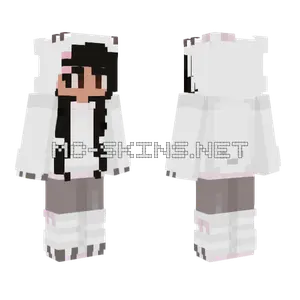 Camee Hello Kitty
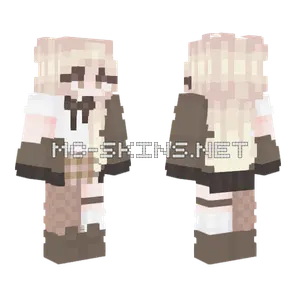 Cocoa Weather Girl
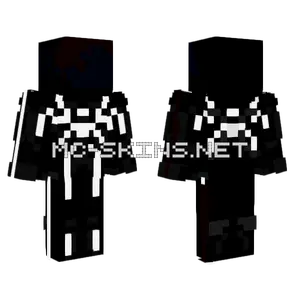 Mugm Spiderman Skin Idea
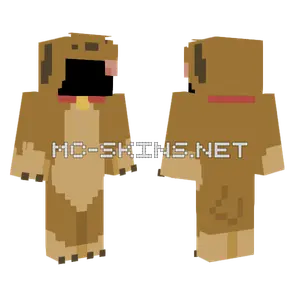 Dog Onesie Base
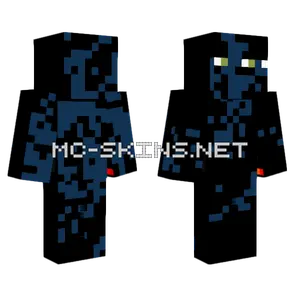 Fiery Creeper Monster
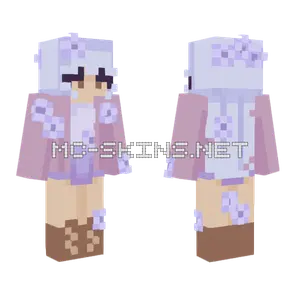 Lavender Rce
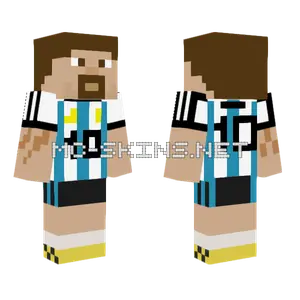 Argentina Home Kit 10 Lionel Messi
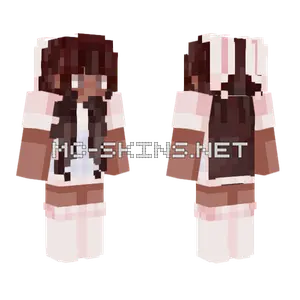 Bunny Skin
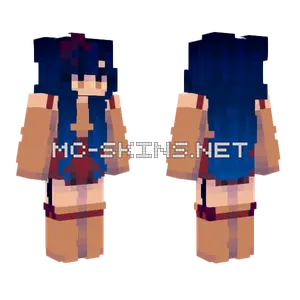 No Sea Deeper Than Outer Space
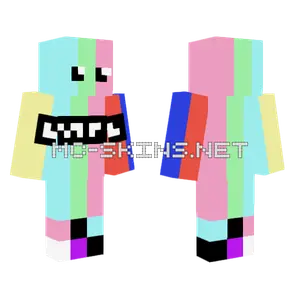 No Signal
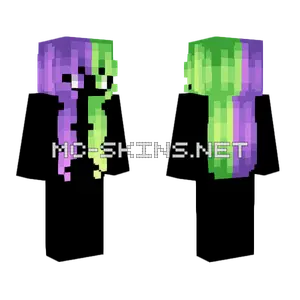 Female Hb Grape Jello V3
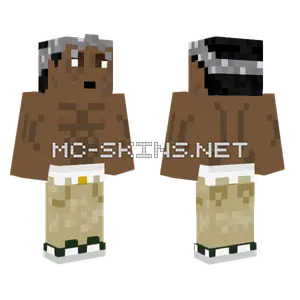 Gray Bandana
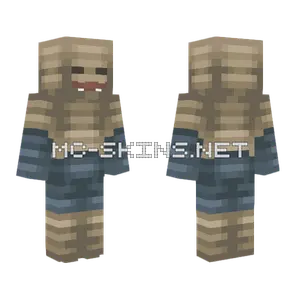 Scrap Monster
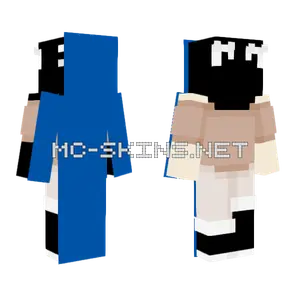 Only Cookie
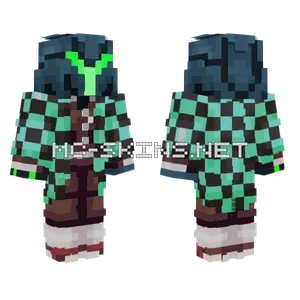 Green Samus Tanjiro
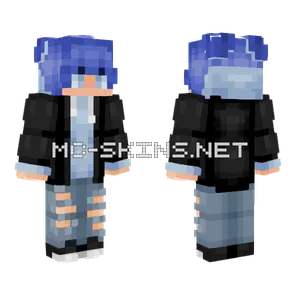 Icicle Spear Boy Version Fix